AI Tools
How to Use Gemini Omni to Create Viral Content (Before Everyone Else Catches On)
Google dropped Gemini Omni Flash at I/O 2026 five days ago.
Most people are still watching the demo reels and saying “wow, cool.” A small number of creators are already using it to pump out content that looks like it took a production team to make.
You want to be in the second group.
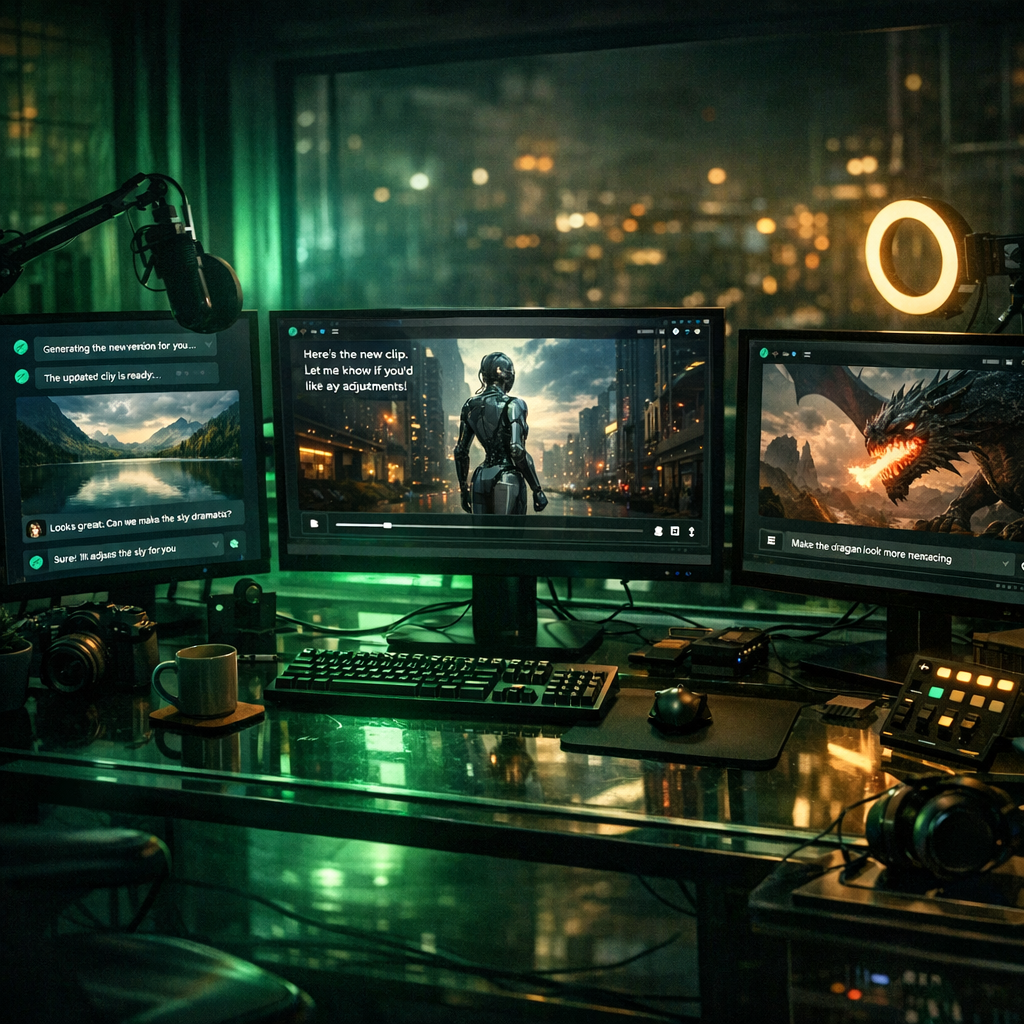
Gemini Omni is not another text-to-video toy. It is a model that lets you edit video through conversation. You talk to it like a human editor. “Shift the camera left.” “Make the sculpture out of bubbles.” “When she touches the mirror, make it ripple like liquid.” And it does it.
That changes everything about how viral content gets made. Here is exactly how to use it.
What Gemini Omni Actually Is (Skip the Hype)
Gemini Omni is Google’s new multimodal model family. The first version – Gemini Omni Flash – is live now. Here is what matters:
- Any input, video output. Feed it text, images, audio, video, or any combination. It generates video.
- Conversational editing. You do not use a timeline. You do not use keyframes. You describe what you want changed and it reworks the video. This is the killer feature.
- World-model physics. It understands how objects move in the real world. Marbles roll and bounce convincingly. Liquid ripples correctly. This is not slapping a filter on footage.
- Identity preservation. It keeps the likeness of people in photos and videos intact while transforming everything else around them. The “Nano Banana” image trick, but for video.
- Digital Avatars. Create a digital version of yourself. Produce content at scale without stepping in front of a camera. Still in testing, but rolling out.
- 10-second clips. Current cap. Short enough for Shorts, Reels, and TikTok.
- SynthID watermark. Every clip gets an invisible AI watermark baked in. Non-negotiable.
Where to access it right now:
- Gemini app – requires Google AI Plus, Pro, or Ultra subscription
- Google Flow – the AI filmmaking platform, included free with Google Workspace plans
- YouTube Shorts + YouTube Create App – free, rolling out this week
The YouTube Shorts path is the free entry point. If you have a Google Workspace account, Google Flow is your best bet for serious work.
The 5 Viral Content Plays
These are not hypothetical. These are plays you can run this week.
1 The “Style Transfer Hook” for Shorts and Reels
What it is: Take any existing video – your own footage, a screen recording, a product demo – and transform it into a completely different visual style through conversation.
Why it goes viral: The before/after is inherently shareable. People cannot resist watching a mundane clip get transformed into something cinematic.
How to do it:
- Record a simple 10-second clip on your phone. Walking down a street, pouring coffee, typing on a laptop. Boring is better.
- Upload to Gemini Omni via the Gemini app or Google Flow.
- Tell it: “Transform this into a cinematic noir scene with dramatic lighting” or “Make this look like a Studio Ghibli animation” or “Turn this into a futuristic cyberpunk scene.”
- Iterate by conversation: “Make the lighting warmer.” “Add rain.” “Slow the camera movement.”
- Export. Post side-by-side with original. Add text: “AI did this in 30 seconds.”
Volume play: One original clip can become 10+ variations. Different styles, different moods. Each one is a separate post.

The before/after format is inherently shareable – one clip becomes dozens of posts.
2 Faceless YouTube Shorts Channel (Avatar + Omni)
What it is: Build a content brand without ever showing your face on camera. Use Omni’s Avatar feature to create a digital version of yourself (or a character) and produce at scale.
Why it works: Faceless channels already dominate YouTube Shorts revenue. The bottleneck was always production quality. Omni removes that bottleneck.
How to do it:
- Create your Avatar through Gemini Omni Flash (rolling out – get on the waitlist now).
- Write short scripts. 10 seconds. One hook, one insight, one visual payoff.
- Generate the video through conversation: “Show my avatar explaining this in front of a whiteboard” or “Place my avatar in a futuristic office.”
- Use YouTube Shorts integration – it is built directly in. No export/upload friction.
- Post 3-5 Shorts per day. Test hooks. Let the algorithm find your audience.
Niches that work: AI news, finance explainers, tech reviews, motivation, cooking tips, language learning. Anything where the visual is secondary to the information.
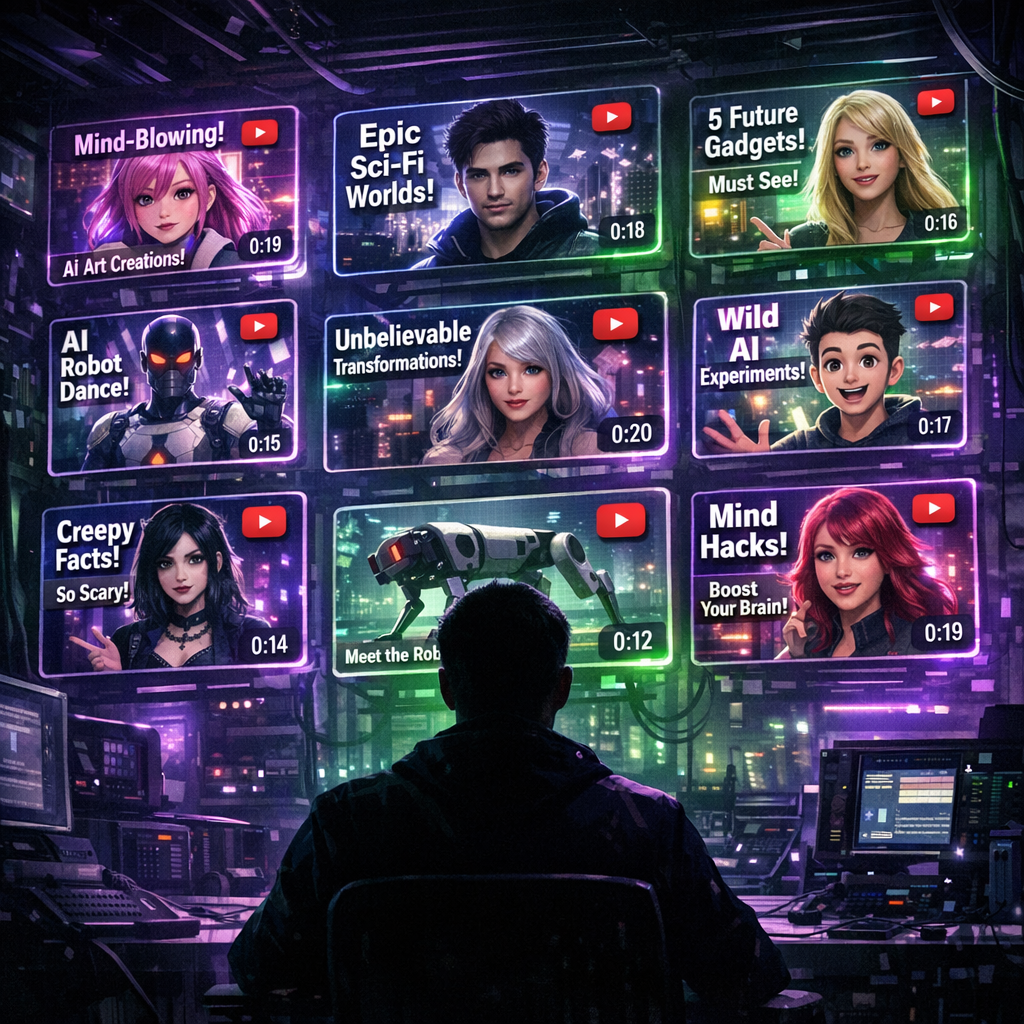
Build an entire content brand without ever stepping in front of a camera.
3 The “Physics Demo” Wow Content
What it is: Use Omni’s world-model physics to create satisfying, mesmerizing clips that people watch on repeat. Think: marble runs, liquid simulations, chain reactions.
Why it goes viral: Satisfying physics content is one of the most reliable viral formats on every platform. It is pure dopamine. People share it reflexively.
How to do it:
- Start with a text prompt describing a physics scenario: “A glass marble rolls down a wooden spiral staircase, bouncing off each step, and lands in a glass of water with a splash.”
- Let Omni generate the first version.
- Refine through conversation: “Make the marble gold.” “Add a bell sound when it hits the water.” “Slow down the final splash.”
- The key is realism. Omni’s world model makes the physics believable. That is what separates this from cheap CGI.
- Post with minimal text. Let the visual do the work.
Pro tip: The viral demos from Google I/O (bubble sculpture, liquid mirror, rolling marble) were all made with Omni. Recreate these as templates, then iterate your own versions.

Satisfying physics content is pure dopamine – one of the most reliable viral formats.
4 Product Demos That Do Not Look Like Ads
What it is: If you sell anything online – physical products, digital products, SaaS – you can now create professional product videos through conversation instead of hiring a videographer.
Why it works: The best-performing product content on social does not look like an ad. It looks like organic, interesting content that happens to feature a product. Omni lets you create that at zero production cost.
How to do it:
- Take a photo of your product. Just a phone photo. Nothing fancy.
- Upload to Omni: “Create a 10-second video of this product floating in space with soft lighting rotating slowly.”
- Or go creative: “Show this coffee mug filling with coffee in a cozy cabin with morning light streaming in.”
- Iterate: “Add steam rising from the cup.” “Make the light golden.”
- You now have a product video that looks like it cost $2,000 to produce. It cost you 5 minutes and a conversation.
Scale play: Create 20 variations for A/B testing on different platforms. Different backgrounds, different moods, different angles. Test which one converts.
5 The “Reaction Transform” Format
What it is: Take a trending video or moment (with permission or using your own reaction), and use Omni’s style transfer to create a transformed version that adds your creative spin.
Why it goes viral: You are riding existing momentum from trending content while adding something genuinely new. The algorithm loves this because it is both familiar and novel.
How to do it:
- Identify a trending format or clip style on your platform.
- Record your own 10-second version of that format.
- Upload to Omni and transform: “Make this look like it was filmed on the moon” or “Turn the background into an underwater scene” or “Make everything except me look like a pencil sketch.”
- The identity preservation is the key here. You look like you. Everything else transforms. That contrast is what makes people stop scrolling.
- Post with the trending audio or hashtag. Let the format carry the distribution.
What Omni Cannot Do Yet (Be Honest About the Limits)
I am not going to pretend this is perfect. Here is where it falls short right now:
- 10-second cap. You cannot make long-form video. This is a Shorts/Reels/TikTok tool for now. If you need minutes-long content, look elsewhere.
- Visual errors. It still produces artifacts, weird hands, and occasional physics breaks. You will need to regenerate and cherry-pick the best outputs.
- Weak prompt control. Sometimes it interprets your instructions differently than you intended. The conversational editing helps – you can correct it – but expect some back-and-forth.
- Usage limits. Google already rolled out compute limits on paid plans. Users are reporting five-hour lockouts after heavy use. Pace yourself or expect interruptions.
- Avatar still in testing. The digital avatar feature is not fully rolled out yet. Google is “ensuring a responsible launch.” Translation: it is coming but not guaranteed to be available to you today.
- SynthID watermark. Every clip is watermarked. You cannot remove it. Some platforms may flag or deprioritize AI-watermarked content in the future. Be aware of this risk.
- No still images or text yet. Omni is video-first. Image generation and text capabilities are coming later.
Reality check: These limitations are real but they do not kill the opportunity. The 10-second cap is actually perfect for short-form platforms where viral content lives. The visual errors mean you need to generate multiple versions and pick the best one. That is a workflow adjustment, not a dealbreaker.
The Window Is Closing. Move Now.
Here is the pattern that repeats every single time a new AI tool drops:
- Week 1-2: Early adopters experiment. Content looks novel. Algorithms boost it because it is new and engaging.
- Week 3-4: Tutorials flood YouTube. More creators pile in. The novelty premium starts fading.
- Month 2-3: Everyone is using it. The content becomes background noise. You need to be genuinely creative to stand out.
- Month 6+: It is table stakes. Nobody cares that you used AI. The tool is invisible.
We are in Week 1.
Right now, anything you make with Gemini Omni gets a novelty boost. The algorithms have not adjusted yet. Audiences have not seen enough of it to be bored. The phrase “I made this with Gemini Omni” is still a hook in itself.
That will not last.
The creators who win are not the ones who wait for the tool to be perfect. They are the ones who ship imperfect content fast, learn what resonates, and build an audience while the window is open.
The Play
- Today: Get access. YouTube Shorts path is free. Google Flow if you have Workspace. Gemini app if you are a subscriber.
- This week: Pick ONE play from the five above. The style transfer hook (#1) has the lowest barrier to entry. Start there.
- This month: Post 30+ pieces of content. You are not trying to be perfect. You are trying to find what works before the crowd arrives.
- By July: You either have a growing audience or you have learned enough to pivot. Either way, you are ahead of 95% of creators who are still “planning to try it.”
The tool is free on YouTube. The window is open. The only cost is your time. Stop reading and go make something.
Disclaimer: BetOnAI is not affiliated with Google. This article is for informational purposes only. AI-generated content may be subject to platform policies that change over time. Always review the terms of service for any platform you post to.

Written by Nik Sai
BetOnAI Editorial covers AI tools, business strategies, and technology trends. We test and review AI products hands-on, providing real revenue data and honest assessments. Follow us on X @BetOnAI_net for daily AI insights.
How we score: read the methodology

BetOnAI Editorial covers AI tools, business strategies, and technology trends. We test and review AI products hands-on, providing real revenue data and honest assessments. Follow us on X @BetOnAI_net for daily AI insights.
More from Nik Sai